01 / FILM
A reel without the busywork.
Turn your finished photos into a vertical video. Let the app arrange them and help time the scene changes to your music, then preview and make it yours.
1080 × 1920 · 30 fps · MP4A little more time. A better next chapter.
We are preparing the next version of CollagePOP.
Downloads are temporarily unavailable.
Existing customer? Manage your accountFOR PHOTOGRAPHERS WHO WANT THEIR TIME BACK
You bring the photos. We’ll handle the layout.
Free Windows app. No account or card needed.
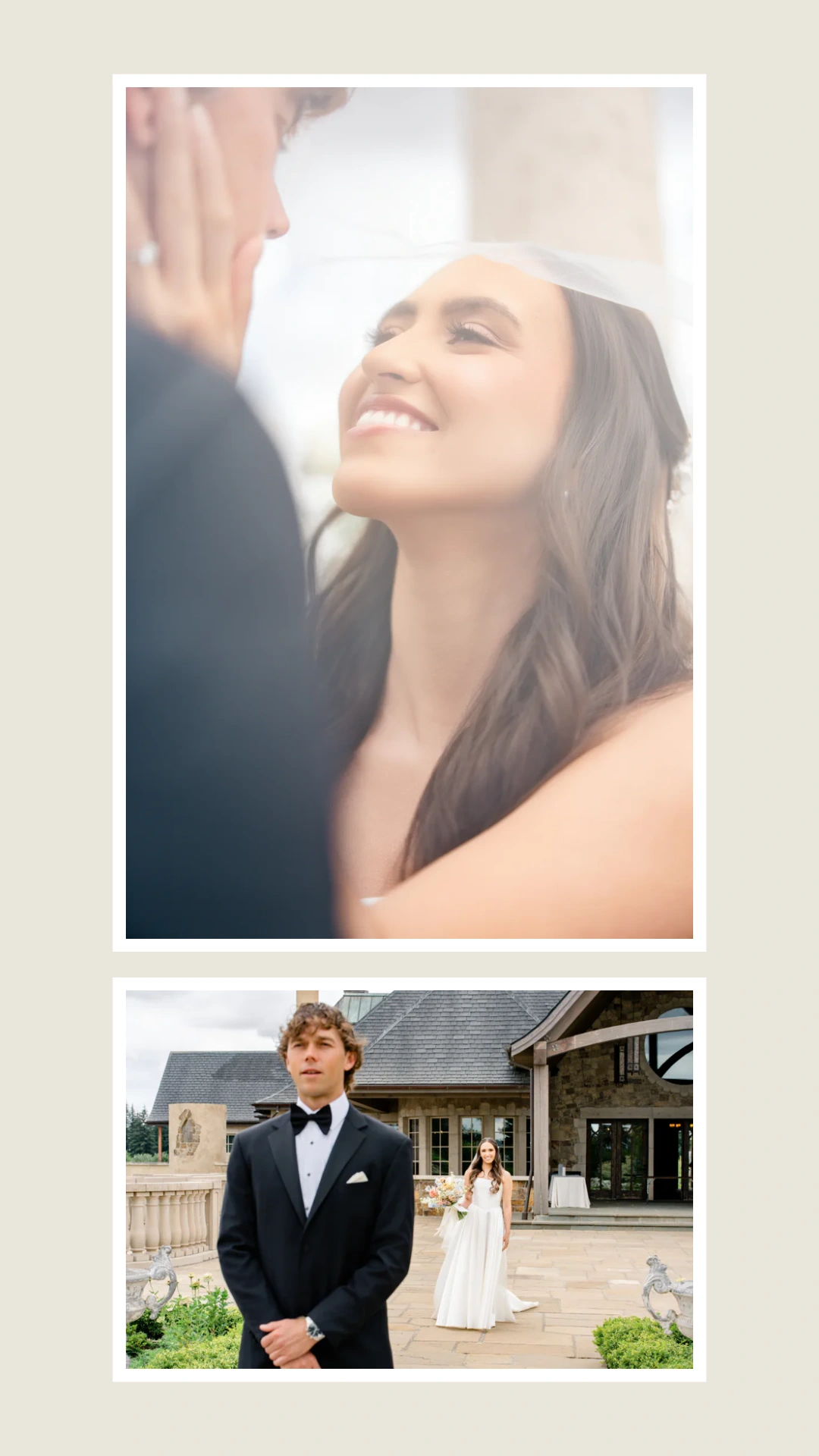
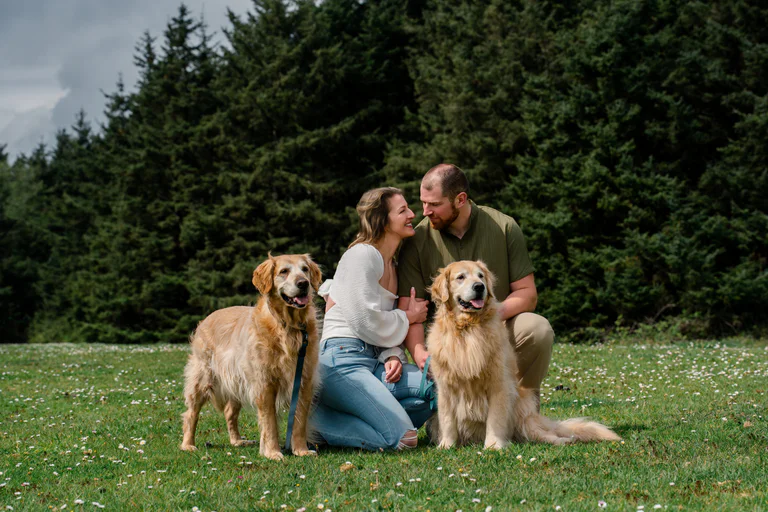 A little breathing room.
 MADE IN PHOTOS TO REELS
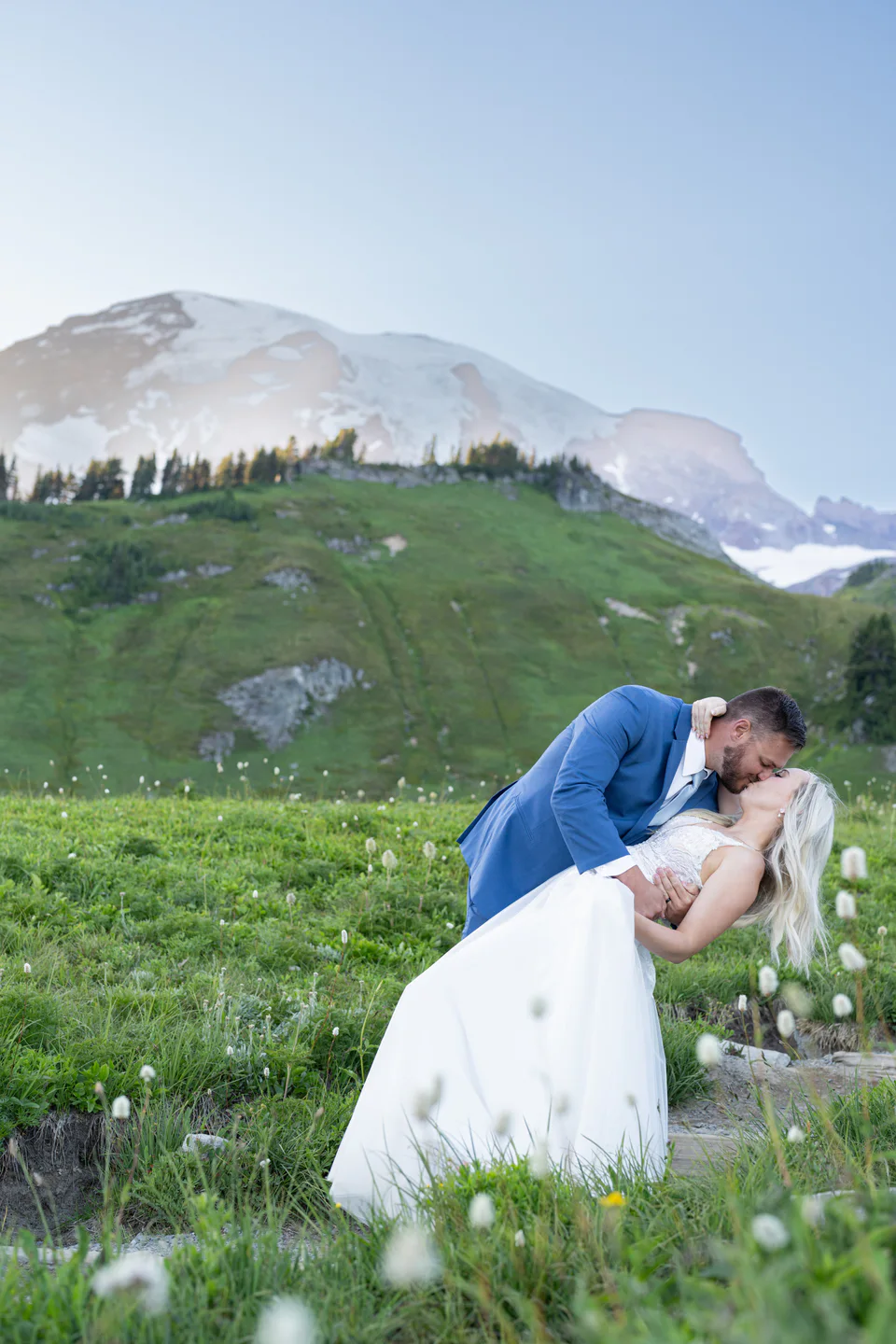 Nothing left out.
less arranging.
more time for you.
YOU HAVE ALREADY DONE THE HARD WORK
A missing head. A crop through the chest. A beautiful gallery turned into another round of dragging, resizing and fixing.
You’ve already done the photography. Let Photos to Reels arrange the whole images for you, so you can spend less time rescuing each frame and more time on your clients, your camera or your life.
Choose a template or create your own look. Preview each slide, keep photos whole or adjust their framing, then adjust individual framing yourself.
SAME PHOTOS. DIFFERENT OUTCOME.
Keep the couple.
Lose the crop-fixing.
The way the current apps work
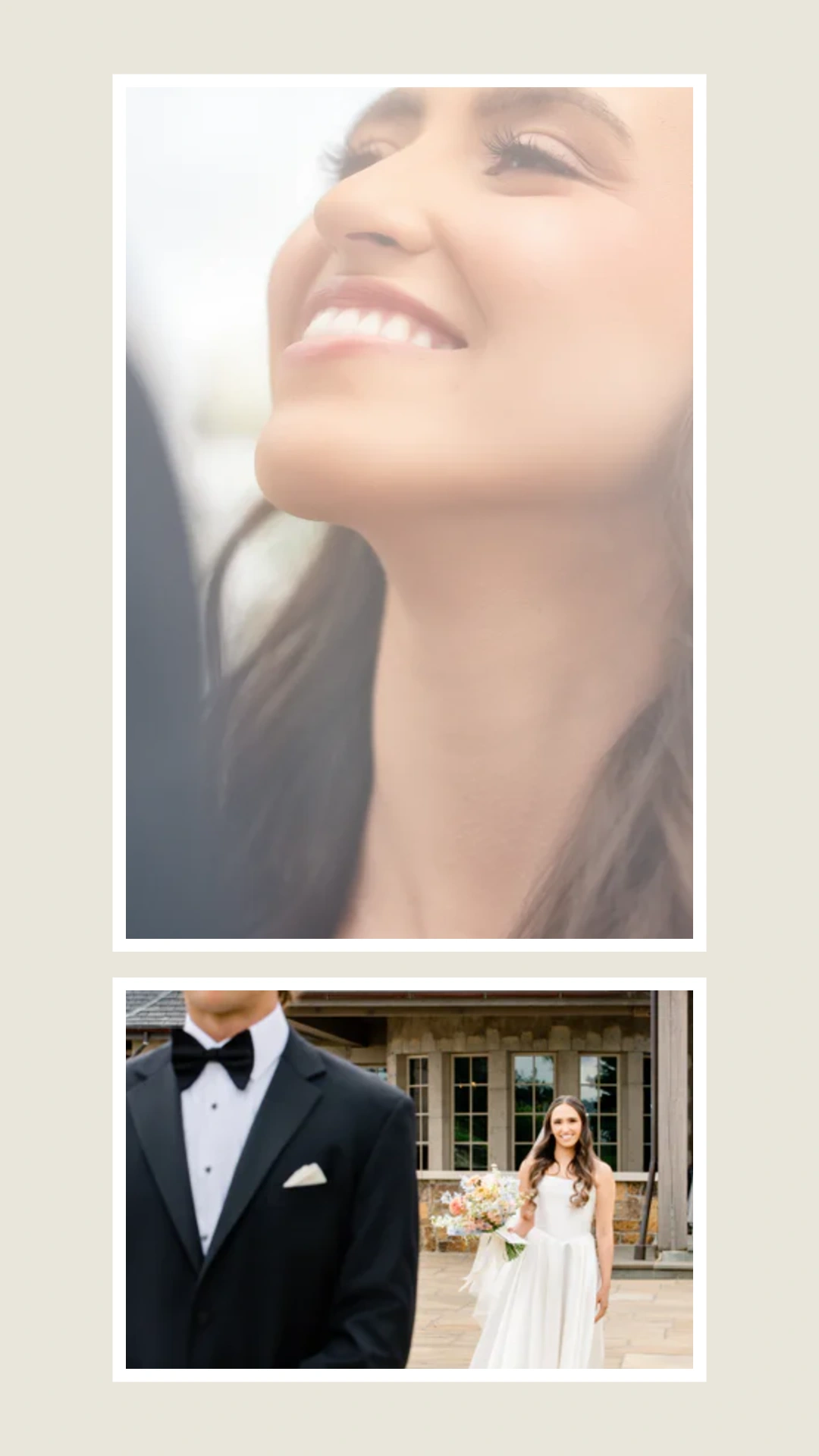
Faces cut off.
More fixing to do.
Our app
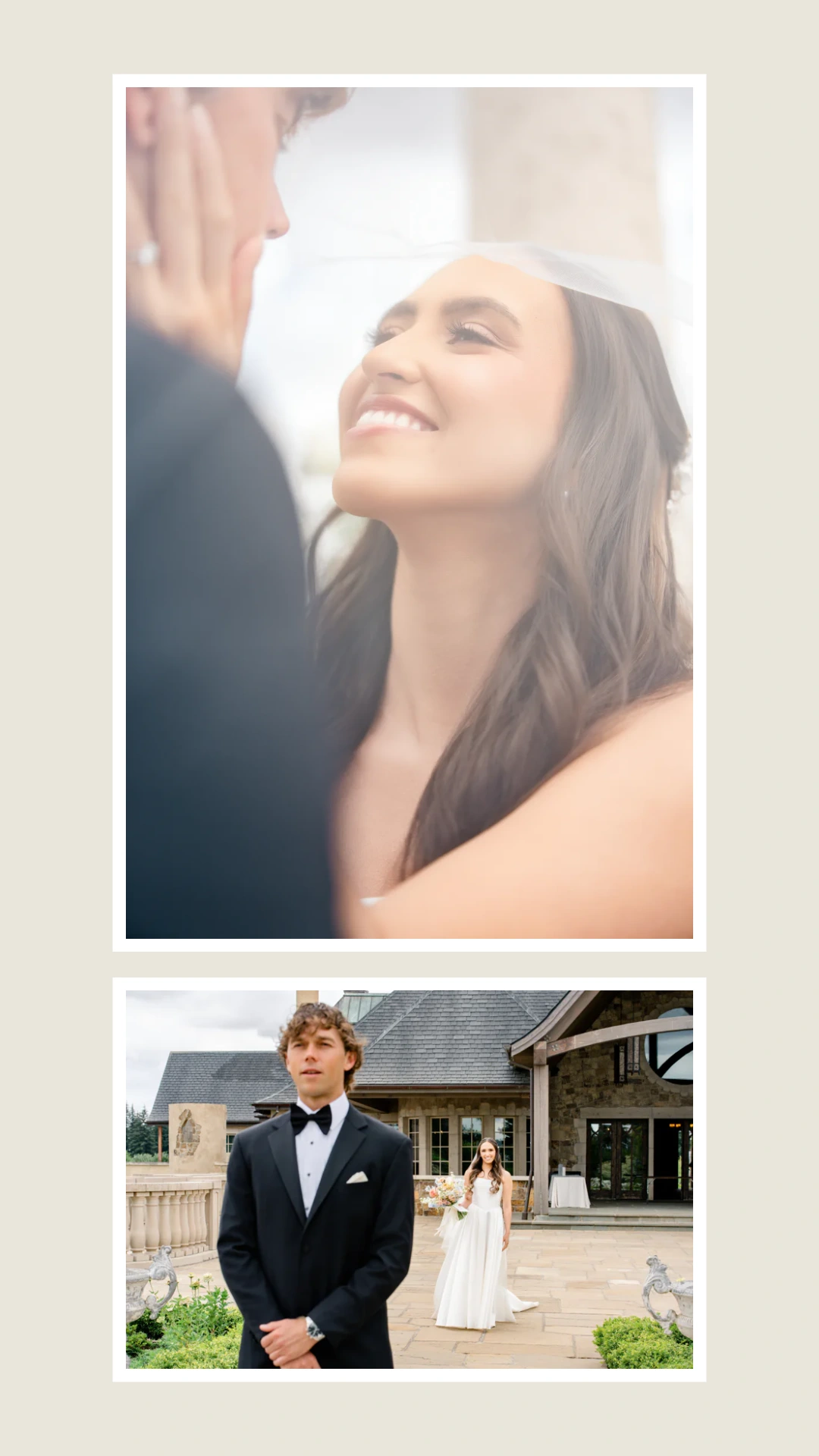
The people. The setting.
The shot you composed.
MAKE YOUR GALLERY WORK HARDER
A reel today. A carousel next. A collage for your favorites. Make them in the same app, without rebuilding your gallery in another tool.
01 / FILM
Turn your finished photos into a vertical video. Let the app arrange them and help time the scene changes to your music, then preview and make it yours.
1080 × 1920 · 30 fps · MP4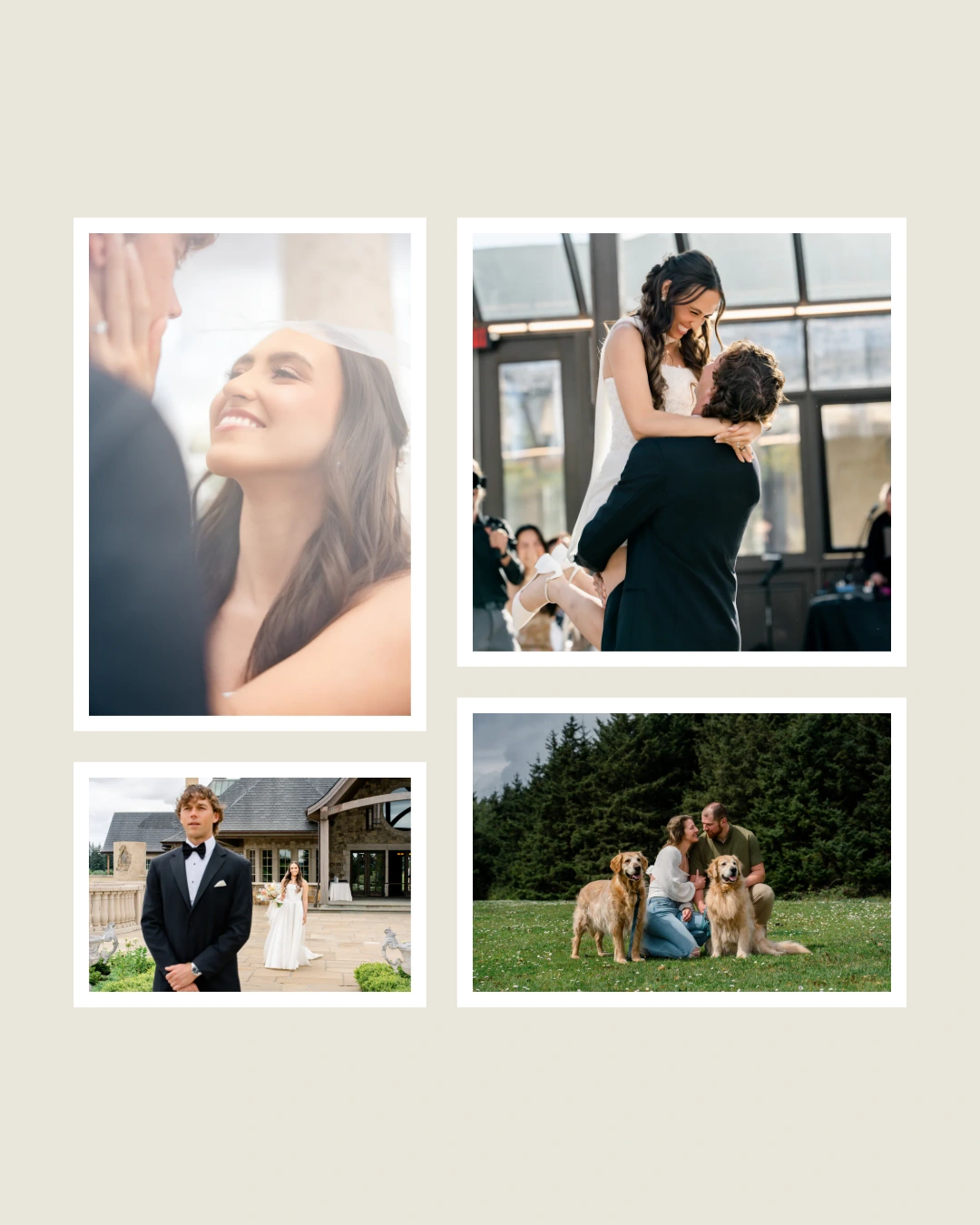
02 / COLLAGE
Show more of a shoot in one image. Let the app arrange a collage, then adjust the details instead of positioning every photo from scratch.
Free: 4 per page · Pro: up to 20 · PNG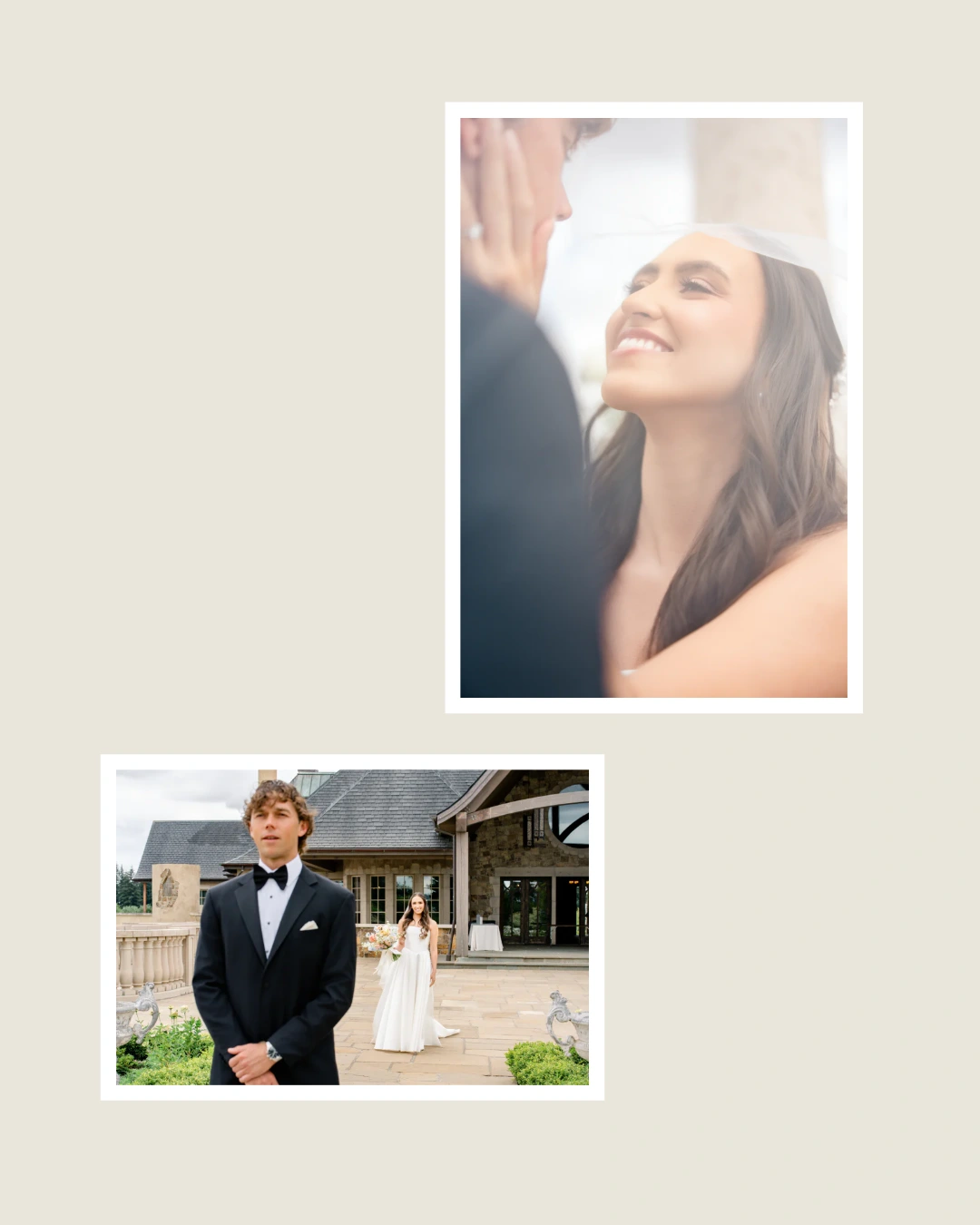
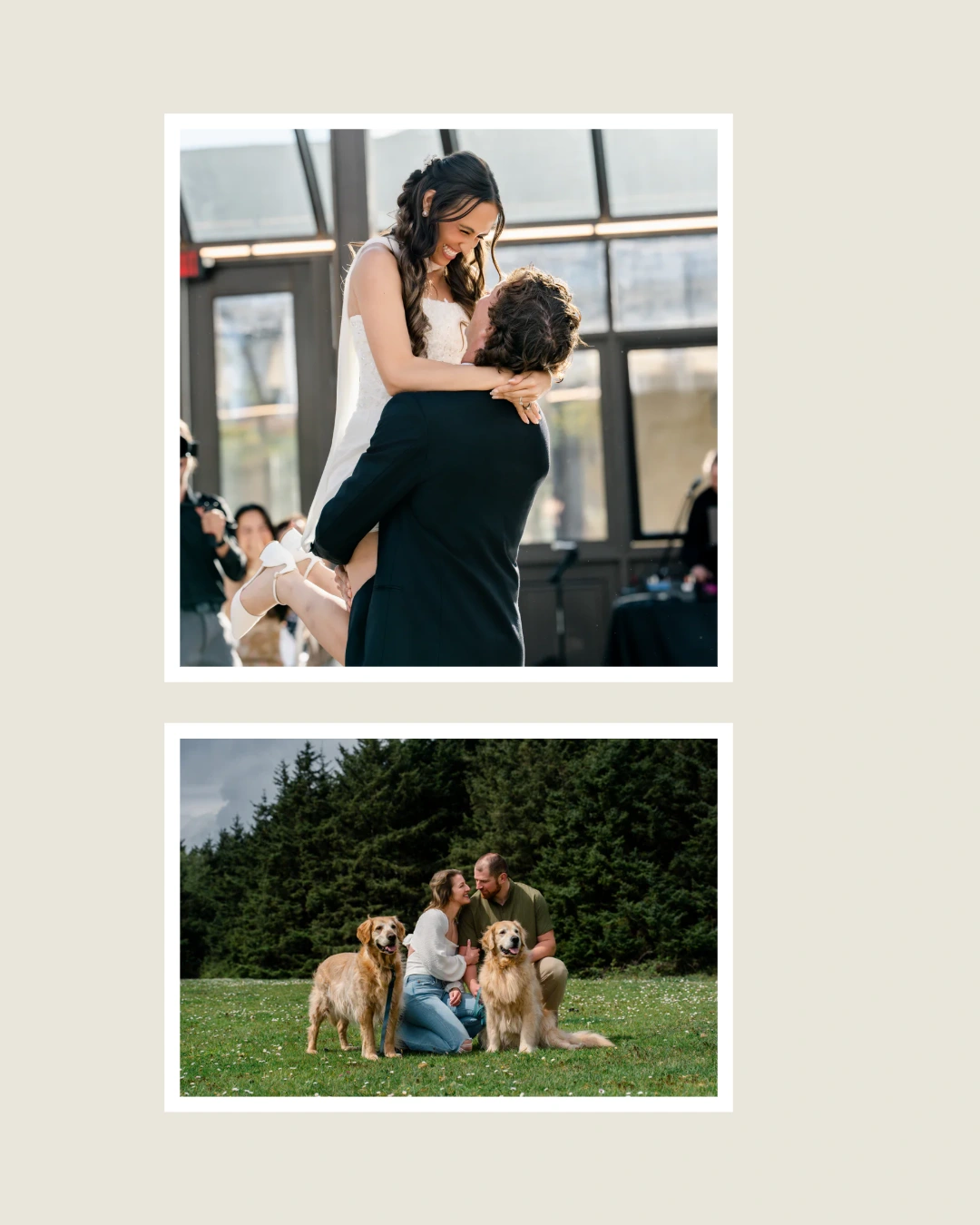
03 / CAROUSEL
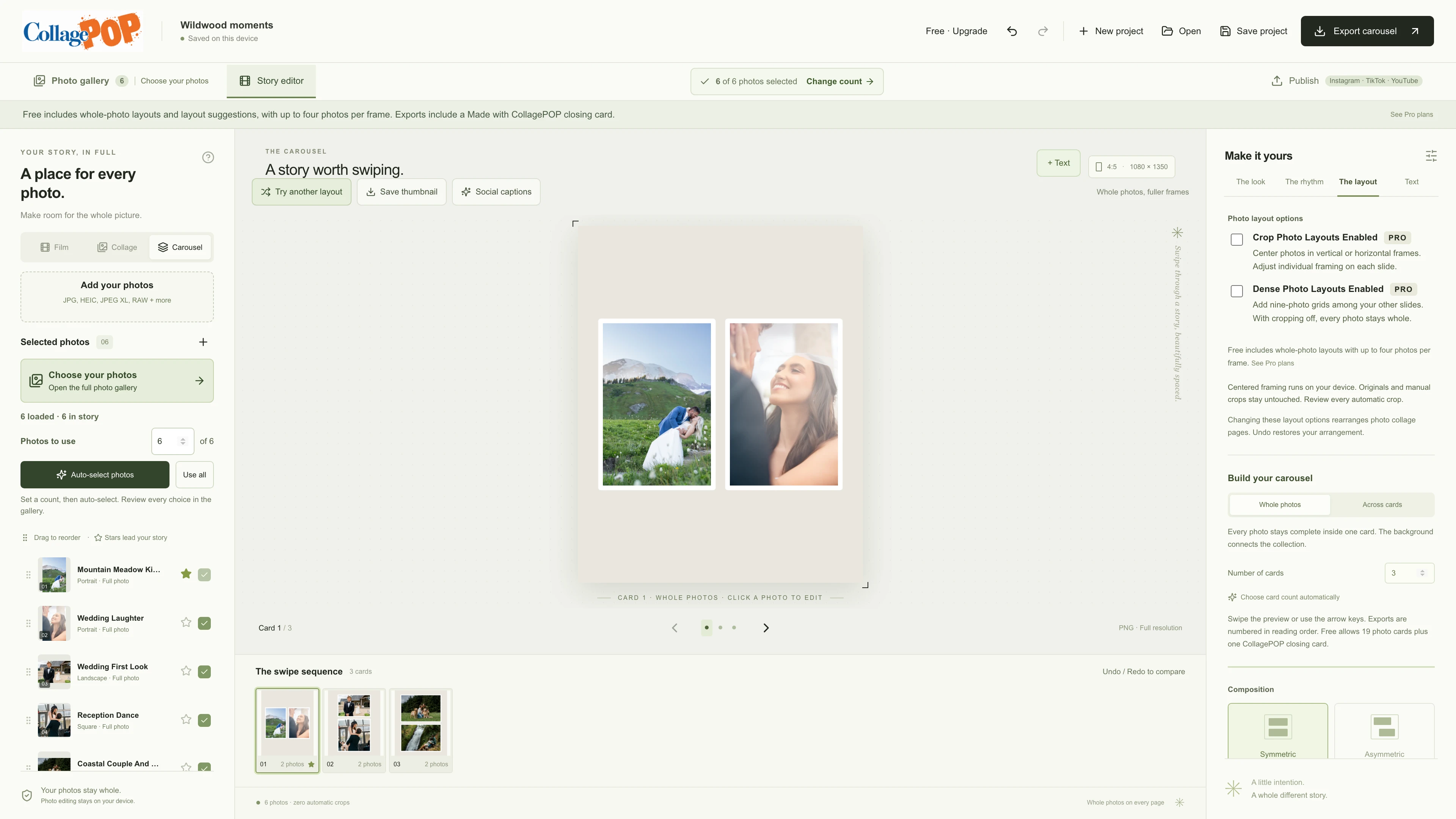
Turn the same photos into a connected carousel without moving to another design app. Keep photos whole on each card or let them flow across the next.
Connected cards · Numbered PNGsExport the files, then upload them to your chosen platform. Photos to Reels does not post for you.
SKIP THE BLANK COLLAGE
Start with a layout already made for you.
Spend your time on the changes that make it yours.
Choose your folder or photos. Pick your favorites, or ask the app to suggest a smaller selection.
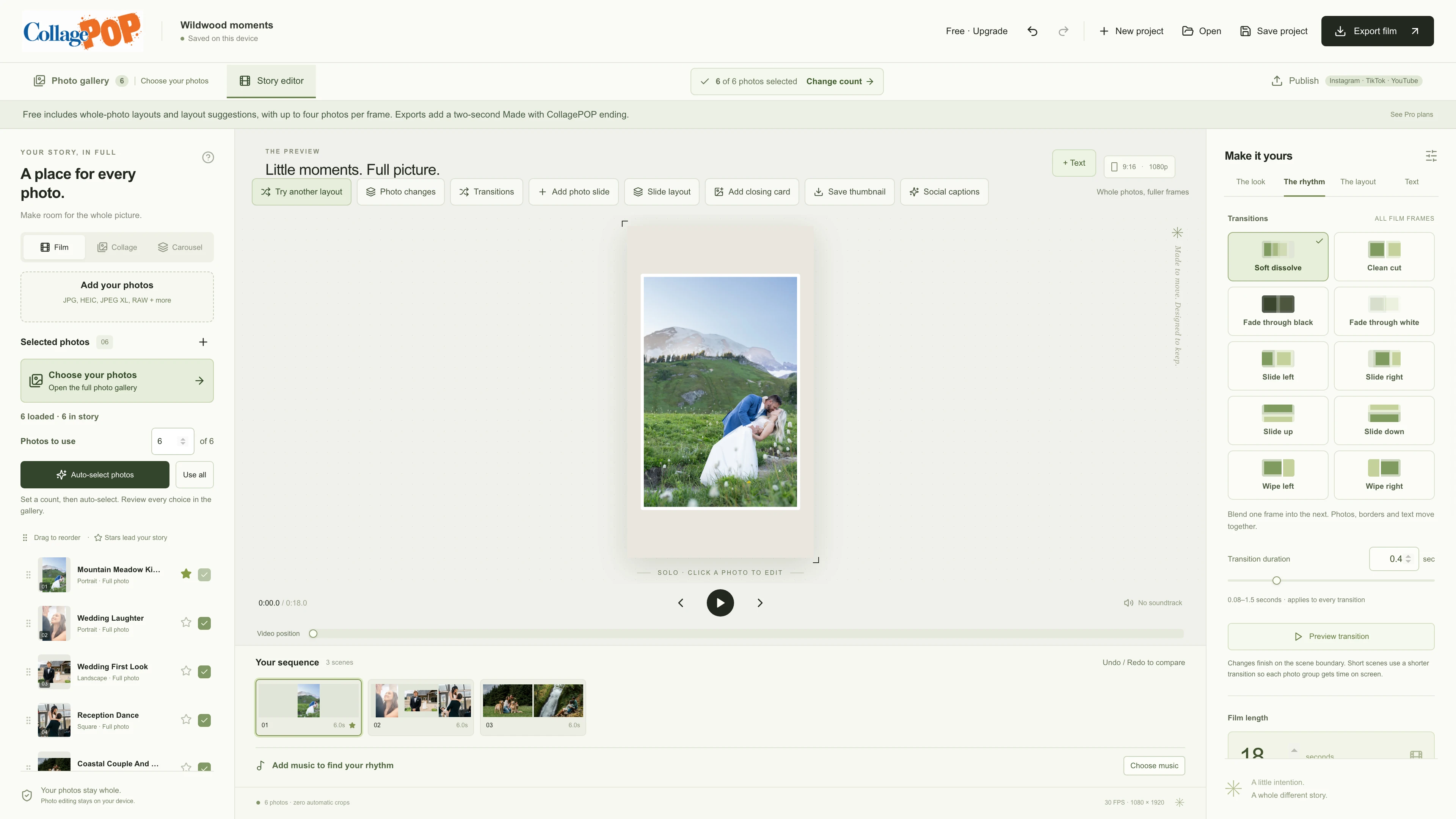
Choose your look, reel length and music. Use the part of the song you love, or leave it silent.
Start with your photos arranged. Preview each slide and make your own changes.
Save a thumbnail and export for your social accounts. Pro helps with the caption. Save the project for next time.
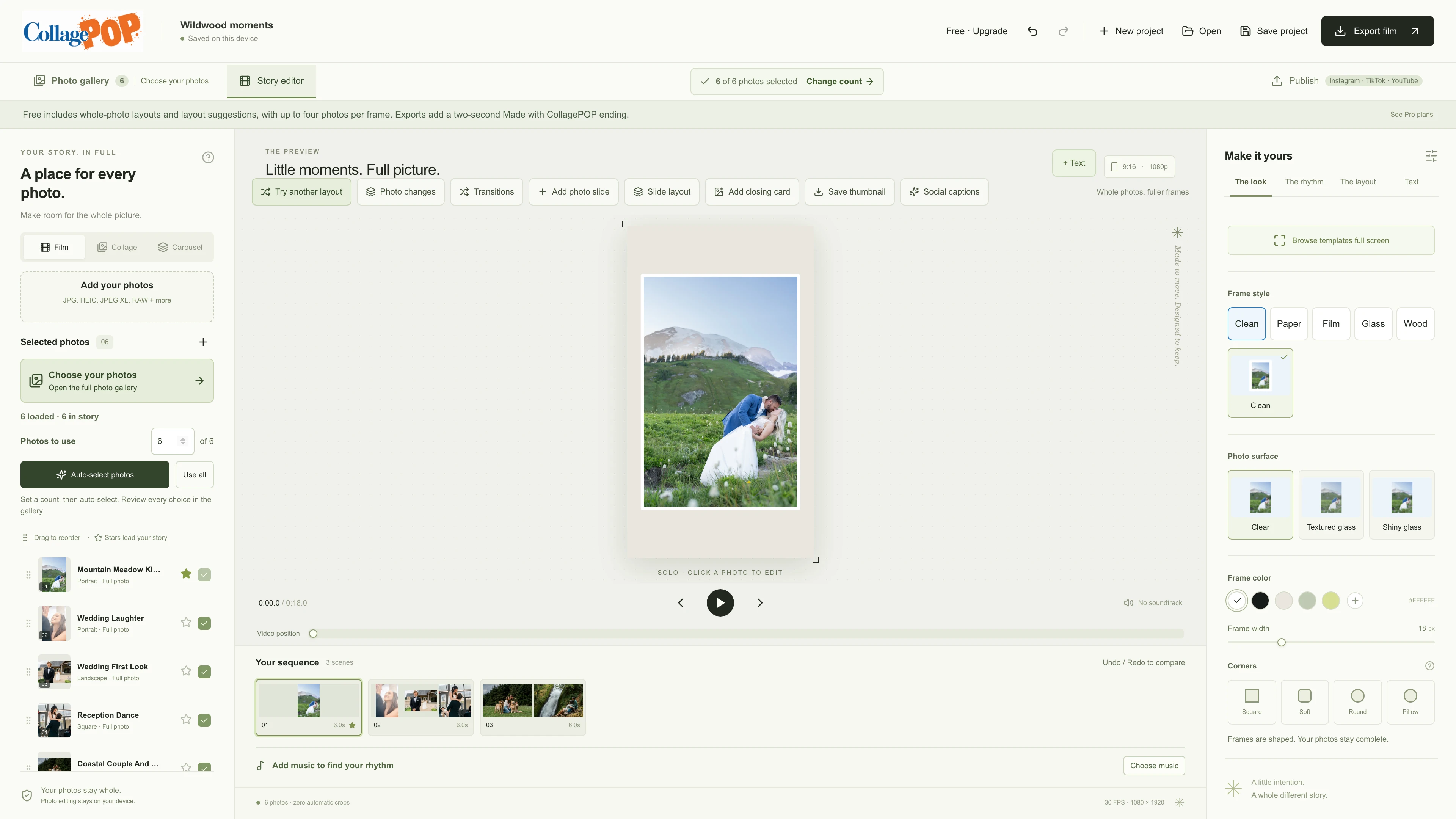
LESS SORTING. MORE CREATING.
You have already done the hard work of making the photographs. Choose how many you want in your reel, let Photos to Reels suggest a selection, and give your favorites the final say.
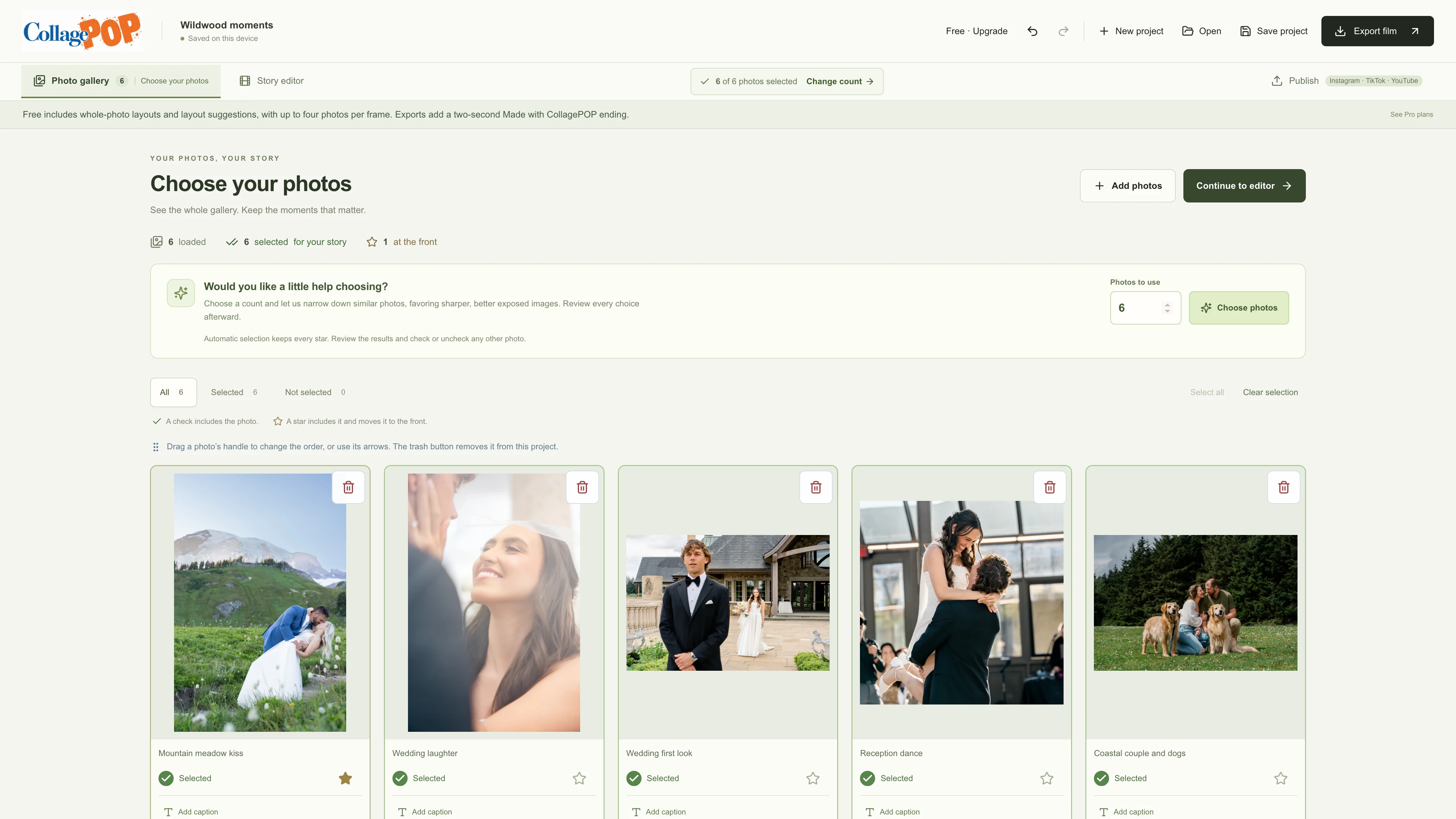
Start with a suggested shortlist, then keep the photographs that matter to you. Your gallery stays on your computer.
Check the photos you want, uncheck the ones you do not, and keep moving. The rest stay in your gallery if you change your mind.
Star a favorite to keep it included and move it to the front. Give it a frame of its own when the moment deserves more room.
Automatic selection compares visual and technical qualities. It does not judge expressions or know which moment matters most to you. No API key or photo upload is needed.
LESS TIME MOVING PHOTOS AROUND
Photos to Reels arranges your landscape, portrait and square photos for you. Choose a template or adjust spacing, framing and individual photo positions yourself. Review the actual result before exporting.
Choose a different selected photo in the preview. The photos exchange places and the layout updates for you.
Move a photo to another frame or give it a frame of its own. Adjust that frame’s spacing without reworking the whole reel.
Your photos stay whole by default. If you choose to crop one, the layout fits around your edit. You can restore the whole photo.
Save your photos, local music and edits together in a portable project. Pick up where you left off, with Undo and Redo while you work.
Frame swaps, moves and solo frames apply to films and collages. Carousel photos follow the order you set in the photo list. Keep a saved project copy for work you want to retain.
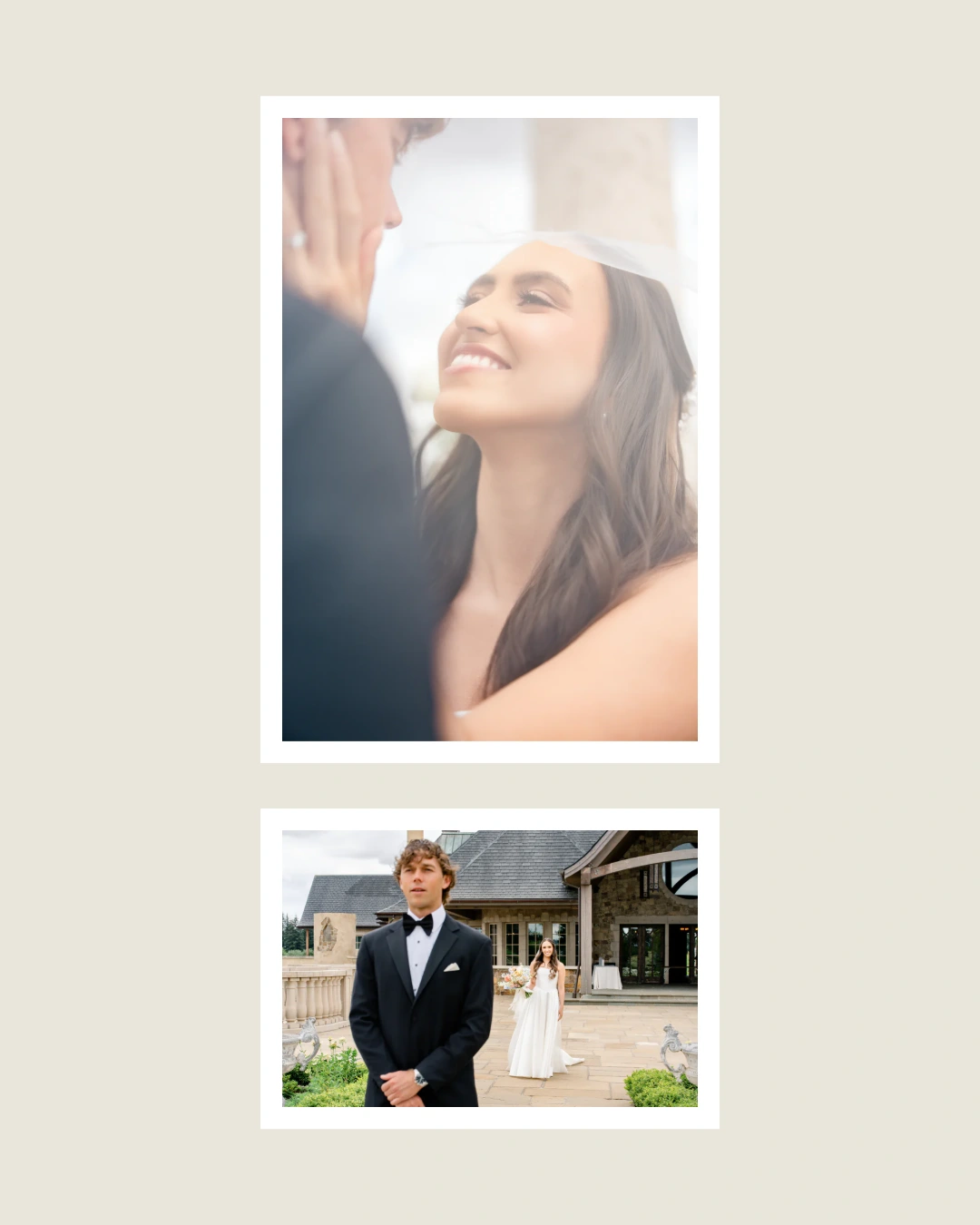 01 / 05
MAKE IT FEEL LIKE YOUR WORK
Choose a look and carry it through the collection. Clean frames, torn paper or an instant-print feel—without decorating every photo from scratch. Refine the colors and spacing when you want to.
A little breathing room. A beautifully simple frame.
These are real exported compositions. Choose a decorative frame, then preview the result.
BRING THE SHOOT BACK TO LIFE
Choose your song and the section you love. Photos to Reels helps line up scene changes with the beat, giving you a starting point without timing every cut by hand.
Use music you’re authorized to share. Beat detection can need adjustment. Reels can run 1–180 seconds, with one transition style throughout. Short scenes limit transition duration; cuts are instant. Manual timing and silent reels are available.
EXPORTED WITH PHOTOS TO REELS FREE · SILENT EXAMPLE
GET MORE FROM THE WORK YOU’VE DONE
Keep your photos in the same project and turn them into a collection people can swipe through. Shared backgrounds and automatic layouts carry the look across the cards.
Every foreground photo stays complete inside one card.
Export numbered PNGs and upload them in order. Choose 4:5, 3:4, square, 9:16 or custom dimensions.
FINISH THE DETAILS IN ONE PLACE
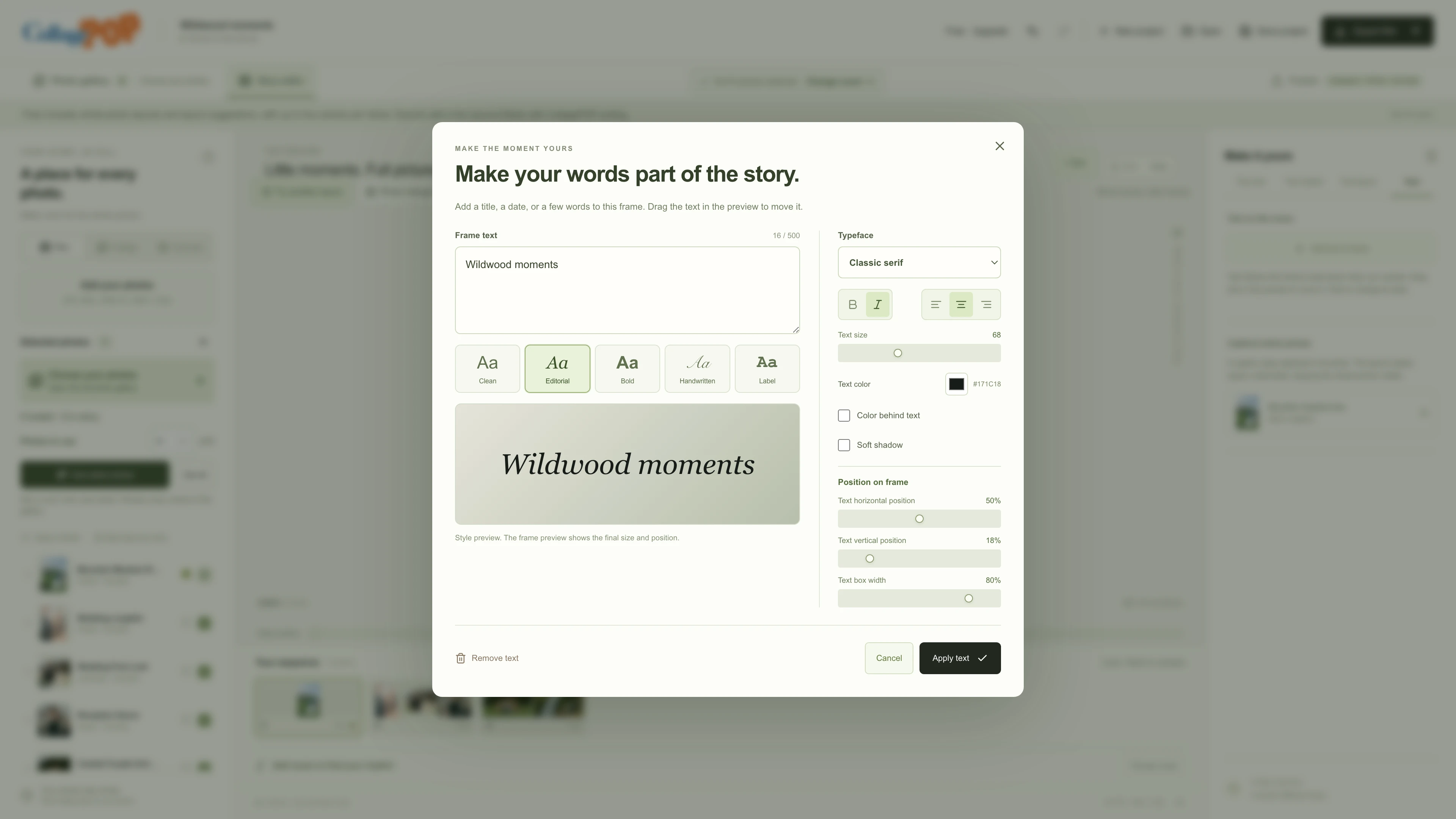
Keep working in the same app. Add names or a title, save a cover from your design, and use Pro to draft the caption that helps tell the story.
Add a name or a note beneath a photograph. It stays attached when you reorder, so you do not have to place it again.
Put a title, date or short message right in the frame. Choose a style and make it your own in the preview.
Save a frame or card as a PNG thumbnail, complete with your text, background and borders. No need to recreate the design elsewhere.
Star a photo to keep it included and bring it to the front. Reorder the sequence, then let the composition update around your choices.
Mix landscape, portrait and square photos. Whole-photo layouts make room for the images you shot, without cutting off their edges.
Download, import and create locally without an account. Sign in for Pro features such as the caption writer. There are no separate provider credits to buy.
YOUR PHOTOS. YOUR COMPUTER.
Bring in your finished gallery, phone photos or supported camera files. Work with familiar formats without assembling a separate toolkit just to make a reel.
Plus GIF and BMP. Common RAW formats are supported; camera support varies. Your original files stay untouched.
LESS BUSYWORK. MORE ROOM IN YOUR DAY.
Keep your reel-making costs simple: $0 to start, or Pro for $19.99 a year. Get photo layouts and music timing in one app. Pro adds the caption writer, without paying for a separate caption subscription.
Make your next reel without starting from a blank timeline.
Free exports finish with a required Made with Photos to Reels ending: a final film slide or an extra collage/carousel card.
Download for WindowsOne .exe installer. No account. No card.
Sign in only for Pro.
Showcase more of your work. Keep the spotlight on your brand.
One Pro subscription for your reels, collages, carousels and caption writer. The same features on either billing plan.
Eligible new subscribers only. Payment card required.
Cancel before day 30 to avoid the first charge.
Auto-renews at your chosen $19.99/year or $4.99/month until canceled. Cancel in My account.
Windows x64. Photo decoder and video encoder included. A Mac App Store version is in prerelease testing; it is not yet publicly available. iPhone and iPad versions remain in development.
Already bought the app for $20? Your active earlier purchase keeps Pro access without a subscription. Sign in with the Google account used at checkout.
The caption writer and vendor discovery require Pro and share up to 50 requests per day. Local editing and Free exports work without an account. No personal API key or separate provider credits are needed. Service availability and fair-use limits apply. Review faces, captions and every suggested handle before using them.
Social connectors and direct publishing require Pro and provider approval. Instagram, TikTok, YouTube publishing and built-in Gmail access are not generally available yet. A Pro subscription does not bypass those approvals. Visible YouTube music preview remains available on Free and Pro and does not connect a channel.
Pro access continues through your trial or paid period after cancellation. Applicable taxes, trial eligibility and the first charge date appear at checkout. License & subscription terms · Refund policy
The plans above are billed directly through this website. The planned Mac App Store release will use separate Apple billing, local App Store prices and Apple’s introductory-offer eligibility. Mac prerelease and purchase help. Microsoft Store purchase linking is not available yet.
BEFORE YOUR FIRST REEL
What the app handles, what stays yours, and how to get started.
Ask Photos to Reels supportIt takes the repetitive arrangement work out of making a photo reel. Import your gallery, choose your length and music, and the app builds layouts around your photos. You can also request a suggested photo selection, make changes without rebuilding every frame, and use the same gallery for collages and carousels. Covers and text stay in the same app; Pro adds the caption writer. You review the result and export when it is ready.
Free includes whole-photo layouts, local music timing, transitions, photo and frame text, and film, collage and carousel exports. Use up to four photos in each frame or page. Free video exports have a required Made with Photos to Reels ending, and collage/carousel exports include a final branded card. Download the single Windows .exe installer and use local editing and Free exports without an account or payment card. Sign in with Google for Pro, including the optional caption writer.
Eligible new subscribers get their first 30 days free on either plan. A payment card is required; cancel before the trial ends to avoid the first charge. Then Pro is $19.99 USD per year or $4.99 USD per month, with the same features on either billing plan. It adds automatic cropped layout presets, dense layouts and larger collages, and removes the Made with Photos to Reels ending or final card. Pro also includes the caption writer and vendor discovery, with up to 50 requests per day shared between them. Social account connections and direct publishing require Pro and the relevant provider approvals; they are not generally available yet. Whole-photo layouts remain available. Pro auto-renews at your chosen monthly or yearly price until canceled; applicable taxes appear at checkout.
Yes. Start with your photos already arranged, then make the design your own. Local layouts need no photo upload. Supported iOS builds also offer optional Pro Auto Layout for more help finding a design you like, after you review and approve sharing. You can adjust individual photos before exporting.
Whole-photo layouts and manual framing remain available. Desktop Pro also offers closer framing that you can adjust. Supported iOS builds also offer optional Auto Crop to help keep important people in view after you approve sharing selected photos. Review every result, adjust the framing or restore the whole photo yourself. Across cards deliberately splits a photograph between neighboring carousel cards while keeping the complete image in the sequence.
Yes. For a website subscription, open My account, sign in with the Google account used for your subscription, and choose Manage billing. Cancel there, or use Cancel subscription when shown, to stop future renewals. Any feedback questions and retention offer are optional; you can cancel without answering or accepting. Pro access continues through the current trial or paid period, then the account returns to Free. Cancellation does not automatically refund earlier payments; contact support about website refund requests. Apple-billed subscriptions, when the Mac App Store version is available, are managed separately in Apple’s subscription settings.
The desktop app checks for an available update when you open the app. You choose whether to download it; your project is not closed automatically. It also sends anonymous coded bug reports automatically, which you can turn off with Send anonymous bug reports in the app’s account settings. Reports contain only the app version, platform and predefined failure code, with no photos, project content, names, account IDs, file paths or raw error messages. See Privacy for retention and the network information processed by hosting providers.
No. An active earlier $20 website purchase keeps Pro access without a subscription. Use the same Google account used at checkout. If it is not recognized, contact support before paying again. Microsoft Store purchase linking is not available yet.
Ask for a suggested selection to get started faster, then keep the photos that matter to you. The suggestion is a starting point and cannot know a photo’s personal significance. Review your selection; unselected photos remain in the gallery.
A star includes the photo and moves it to the front of the sequence. Automatic selection keeps every star. To give a photo its own frame in a film or collage, use the frame-editing controls.
Create vertical MP4 films with your local soundtrack, or numbered PNG collages and carousel cards. Still outputs support 4:5, 3:4, square, 9:16 and custom sizes. Save a frame or card as a PNG thumbnail, too. Free exports include the required Made with Photos to Reels ending or final card; Pro removes it. Upload the finished files yourself. Pro social connectors and direct publishing are awaiting provider approvals and are not generally available.
A collage is an independent page. A carousel is a connected sequence of equally sized cards with a shared background. Whole photos keeps each foreground photo inside one card. Across cards lets an image continue onto its neighbor. Free supports up to four photos per frame or page; Pro adds dense arrangements. Free carousels can contain up to 19 photo cards plus the required closing card. Pro carousels can contain up to 20 photo cards. Exports are numbered so you can upload them in order.
Yes. Import a local audio file, select the part you want and set the film length. Adjust volume, fades, timing and transitions. Your local music stays on your computer, and silent films work too. You must have the rights needed to use and share your music. Neither plan includes a licensed song library. Feed Clips is awaiting provider approval and is not an active included service.
Yes, on Free and Pro in Windows 0.7.8 and later. Paste a YouTube video link, choose your starting point and preview it beside your reel in the visible YouTube player. Playback follows the selected section. YouTube audio and video are never included in your export. Use tap tempo or enter a BPM for timing; automatic beat detection is available for local music files. Some videos cannot be embedded, and ads or buffering can interrupt playback. This preview does not connect your channel or publish a video.
The Windows app supports JPG, PNG, WebP, AVIF, GIF, BMP, TIFF, HEIC/HEIF, JPEG XL and common camera RAW files. RAW support depends on the camera and file variant. Your original files stay unchanged. Photos to Reels is not a full RAW-development editor.
No. There is no fixed 100-photo project limit. Available memory and the 350 MB portable-project size limit still matter, especially with large galleries. Free allows up to four photos per frame or page; Pro supports dense layouts and larger collages. Check your chosen platform’s current upload limits before posting.
Import, local selection and layout, music analysis, preview and export run locally. Optional desktop social-caption requests send only your brief and selected text. On iOS, optional Auto Crop, Pro Auto Layout and photo captions send the images or previews you review and approve through our service to the providers described in Privacy. Ordinary local editing does not upload your photos or music.
The caption writer is a Pro feature. Get Instagram and TikTok caption drafts from the story details you choose to share, then make the words your own. Pro includes up to 50 caption or vendor requests per day; Free does not include the caption writer or vendor discovery. No separate provider credits are needed. The daily allowance is shared with optional vendor extraction, resets at 00:00 UTC, and counts attempted requests, including failed or canceled requests. Pro also includes local factual starters and editable drafts. Reviewed wedding credits use an emoji and category on each line, with vendors in the same category grouped together. Review the wording and explicitly confirm every suggested vendor name and social handle before using it.
Social account connectors, direct publishing and Gmail vendor lookup require Pro. Instagram, TikTok, YouTube publishing and built-in Gmail access are awaiting provider approvals and are not generally available. Buying Pro does not bypass those reviews. Photos to Reels never sends email. Pro users can already paste relevant text for vendor extraction, review what you submit, and explicitly confirm names and handles before including them. Unconfirmed vendors are not automatically tagged.
The available desktop release is for Windows x64. The Windows installer includes what you need to get started, without separate media-tool downloads. A Mac App Store version is in prerelease testing for macOS 14 or later on Apple silicon and Intel. It is not yet publicly available, and no release date is promised. iPhone and iPad versions remain in development.
The Mac version is not yet publicly available. Its planned App Store download is free, with optional Pro at US base prices of $4.99 per month or $19.99 per year and a one-month introductory trial for eligible new subscribers. The App Store will show your local price, eligibility and auto-renewal terms before confirmation. Apple purchases are restored in the Mac app with the original Photos to Reels account and managed through Apple, separately from website billing. Do not buy a second subscription to resolve an access problem.
Yes. Save a portable .fullframe project containing the gallery, selected photos, local soundtrack and settings. Projects can be up to 350 MB. The app also keeps a local draft, but save a project copy to retain work. API keys and connection tokens are not included in project files.
Choose Download for Windows on this website to get one .exe installer, with no sign-in or payment card. Open it and follow the setup steps. For Pro billing, open My account and sign in with the Google account used at checkout. If a Pro checkout is still being verified, refresh account status before starting another payment. Manage billing opens Stripe’s subscription portal. For payment, download or refund help, email jd@wildwoodai.com with your account email and order reference; do not send card details or passwords.
YOUR NEXT REEL CAN BE LESS WORK
One .exe installer · No account or card needed · Windows x64